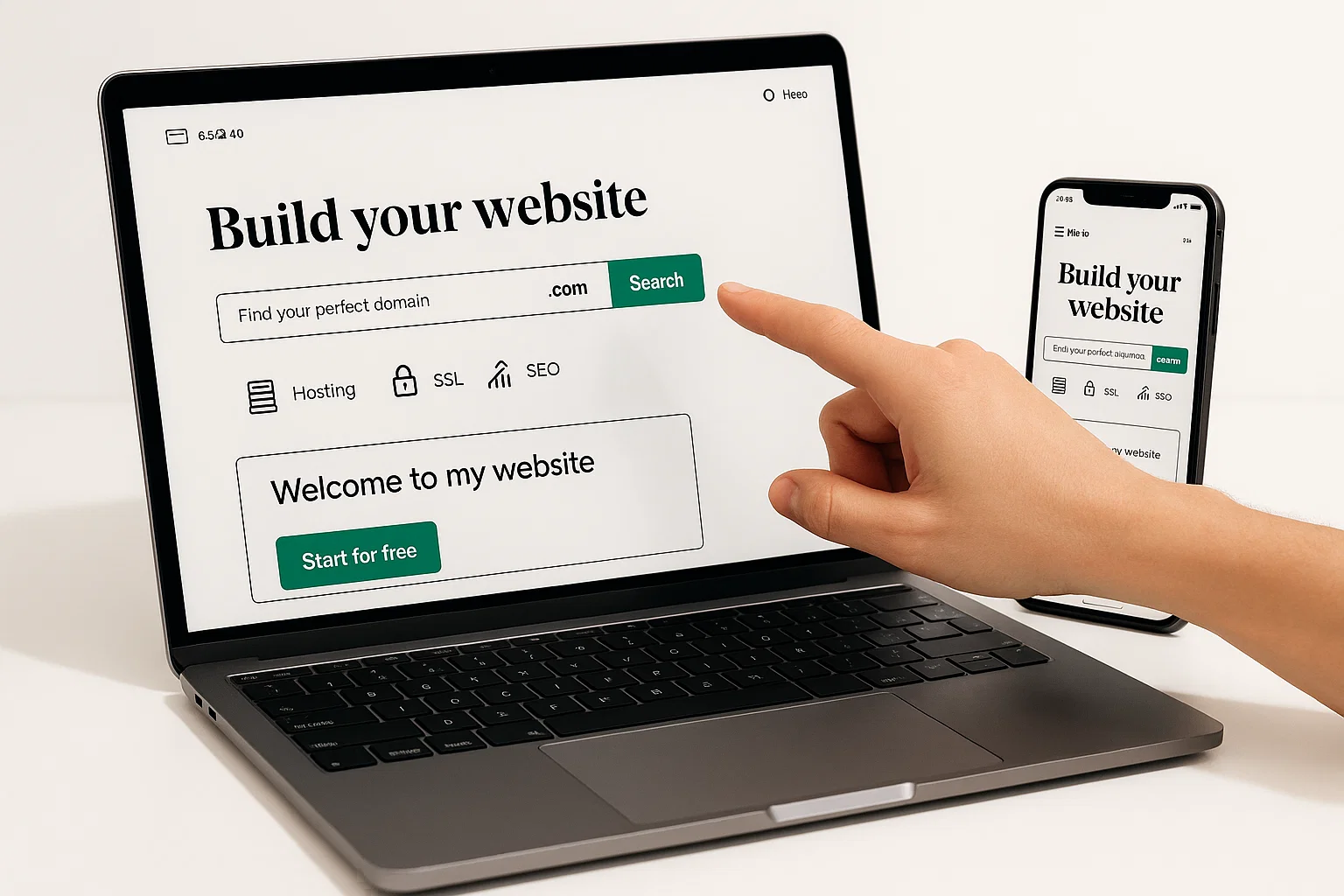
Godaddy website is a fast way to get online, register a domain, add hosting, and launch a conversion-focused site with templates, SSL, and basic SEO, ideal if you want a quick, supported path to go live.
Introduction
godaddy website is one of the quickest paths to get your idea online, whether you want a simple business page, an online store, or a portfolio. This guide is informational and practical, and it will walk you through what a GoDaddy website can do, when to choose it, and how to launch a site that actually converts visitors into customers. I’ll cover hosting basics, domains, SSL, SEO signals, and a couple of hands-on examples, so you can make the right choice and move fast. In my experience, the difference between a mediocre site and a convertor is small changes to headlines, forms, and load time, and those are the exact tactics you’ll take away.
What is a GoDaddy website and why it matters
A GoDaddy website bundles domain registration, hosting options, and a visual site builder, so you can register a name and launch a site from one place. It matters because it removes friction, especially for creators and small businesses who want speed and built-in support.
Background and core concept
GoDaddy started as a domain registrar, then expanded into hosting, site builders, and managed WordPress. A single dashboard lets you control domains, email, hosting, and security options, which saves time versus stitching services together. For many businesses, the tradeoff is convenience over the fine-grained control you get from a fully custom stack.
Why choose this path
- Speed, you can go from idea to live in under an hour.
- Support, GoDaddy offers customer service and rollout tools.
- All-in-one, domains, SSL, and templates are centralized.
When GoDaddy is not ideal
- If you need full developer control, advanced scaling, or vendor-neutral infrastructure, consider separate hosting and a custom stack.
- For complex e-commerce stores with advanced checkout logic, specialized platforms might be better.
How to build a GoDaddy website — step-by-step
Below is a practical guide that walks you through launch, from domain to live site.
- Choose your domain and plan
- Search domain availability from the GoDaddy dashboard.
- Pick a plan: site builder for speed, managed WordPress for content, or basic hosting for custom stacks.
- Pick a template and structure
- Choose a template close to your visual goal, then change brand colors, fonts, and hero content.
- Plan main pages: Home, About, Services, Contact, Blog.
- Configure hosting and SSL
- Enable included SSL or add a free certificate.
- Point DNS records if you use external services.
- Add critical SEO and analytics
- Edit page titles and meta descriptions, include target phrases naturally.
- Add Google Analytics and set up Search Console.
- Optimize performance and forms
- Compress images, enable lazy load, and reduce third-party scripts.
- Keep contact forms short, test them.
- Test and publish
- Click publish, then test on desktop and mobile.
- Run a quick performance test, review site search snippets.
Quick code example: Use the GoDaddy API to update a DNS A record (Node.js)
// Node.js, update an A record using GoDaddy API, minimal error handling
// Replace API_KEY and API_SECRET, domain and record details before running
const axios = require("axios");

async function updateARecord(domain, name, ip) {
  try {
    const url = `https://api.godaddy.com/v1/domains/${domain}/records/A/${name}`;
    const res = await axios.put(url, [{ data: ip, ttl: 600 }], {
      headers: {
        Authorization: "sso-key YOUR_API_KEY:YOUR_API_SECRET",
        "Content-Type": "application/json",
      },
    });
    console.log("Updated A record", res.status);
  } catch (err) {
    console.error("Failed to update A record", err.message);
  }
}

// Example usage
updateARecord("example.com", "@", "93.184.216.34");
This snippet shows a real API call pattern, use secure secrets and environment variables for production.
Python example: Check SSL validity quickly
# python, check SSL certificate expiry for a host
import socket, ssl
from datetime import datetime

def ssl_expiry(host, port=443):
    ctx = ssl.create_default_context()
    with ctx.wrap_socket(socket.socket(), server_hostname=host) as s:
        s.connect((host, port))
        cert = s.getpeercert()
    expiry = datetime.strptime(cert['notAfter'], "%b %d %H:%M:%S %Y %Z")
    return expiry

if __name__ == "__main__":
    host = "example.com"
    print("SSL expires on", ssl_expiry(host))
This gives a quick check for certificate expiry, helpful before a launch.
Best practices, tools, pros and cons
Use these tactics and tools to keep your site fast and findable.
Best practices
- Use concise headlines and one clear CTA above the fold.
- Load time matters, aim for under 3 seconds.
- Optimize meta titles and descriptions for CTR.
- Keep forms minimal, add social proof near CTAs.
Recommended tools
- GoDaddy Website Builder
- Pros: Fast setup, integrated domain and hosting, beginner-friendly.
- Cons: Less developer control for custom features.
- Quick tip: Start with a template, then edit the hero text and CTA first.
- WordPress on GoDaddy
- Pros: Flexible, many plugins, strong SEO plugins available.
- Cons: Requires maintenance, plugin conflicts possible.
- Quick tip: Use a lightweight theme and limit active plugins.
- Netlify or Vercel (alternative hosting)
- Pros: Great for static sites, fast CDN, automatic deploys from Git.
- Cons: Separate domain mapping may be required.
- Quick tip: Connect your repo for continuous deployment.
Pros and cons summary
- Convenience vs control, pick the one aligned with your team skills.
Challenges, legal and ethical considerations, troubleshooting
Common challenges
- DNS propagation delays, SSL misconfigurations, slow mobile load times.
- Template content that looks generic, hurting conversion rates.
Troubleshooting quick checklist
- DNS correct, wait for propagation.
- SSL installed, not expired.
- Analytics tags installed, not duplicated.
- Forms submit and email routing working.
Compliance checklist
- Use a clear privacy policy if you collect user data.
- Add cookie consent if you use third-party tracking.
- Follow GDPR and CCPA guidance when handling personal data.
- Keep terms of service and contact info visible.
If you need legal certainty, consult a professional. Compliance can be nuanced, so when in doubt, seek expert advice.
A well-structured title and clean metadata significantly improve click-through rates and visibility, follow platform guidelines to maximize results. (Moz)
Fast hosting and proper SSL are baseline requirements for search engines and user trust, treat them as mandatory before marketing. (Google)
Accessibility and readability tips
- Use clear labels for links and buttons, do not rely on color alone.
- Provide alt text for images.
- Maintain good contrast and readable font sizes.
- Structure content with descriptive headings, and use short paragraphs.
Conclusion and CTA
A GoDaddy website gives you a fast route to launch, with domains, hosting, and templates in one dashboard. Use strong headlines, an obvious CTA, and basic SEO to make a site that converts. Bold the key points, test forms, and optimize load time. Welcome to Alamcer, a tech-focused platform created to share practical knowledge, free resources, and bot templates. Our goal is to make technology simple, accessible, and useful for everyone. Provide free knowledge articles and guides in technology. Offer ready-to-use bot templates for automation and productivity. Deliver insights to help developers, freelancers, and businesses. Custom development services for bots and websites, on request. If you want, I can help audit your page and suggest headline and metadata improvements.
FAQs
What is godaddy website?
A godaddy website is the combined service from GoDaddy that includes domain registration, hosting options, and a visual site builder to quickly publish a website, ideal for users who want a supported, all-in-one setup.
How do I pick a strong domain on GoDaddy?
Pick a name that is short, memorable, brandable, and easy to spell, include a keyword only if it reads naturally, and avoid hyphens if possible.
Can I use WordPress with my GoDaddy hosting?
Yes, GoDaddy offers managed WordPress plans that simplify installation, updates, and backups, but you should keep plugins minimum to avoid conflicts.
How do I add SSL to my site?
Enable the included SSL in the GoDaddy dashboard, or install a free certificate, then verify via your browser and SSL check tools.
How do I improve mobile load speed?
Compress images, remove unnecessary scripts, use built-in caching where available, and test with a speed tool.
Can I switch hosting later?
Yes, you can migrate content to another host, update DNS records, and keep the domain on GoDaddy if desired.
How do I optimize meta titles and descriptions for CTR?
Write a concise title with the main keyword early, a benefit-driven description, and use action words like try, learn, start to invite clicks.
Is GoDaddy good for e-commerce?
It works for small stores and basic checkout flows, but for complex e-commerce you may prefer platforms specialized for commerce.
How do I troubleshoot DNS issues?
Confirm records are correctly set, check propagation with online tools, and allow up to 48 hours for full propagation.
Do I need a privacy policy and cookie notice?
If you collect personal data or use tracking, include a privacy policy and cookie notice, and offer opt-out options as required.
Key takeaways
- Start fast with a template, then optimize headlines and forms.
- SSL and load time are non-negotiable for credibility and SEO.
- Choose GoDaddy for convenience, choose other stacks for advanced control.