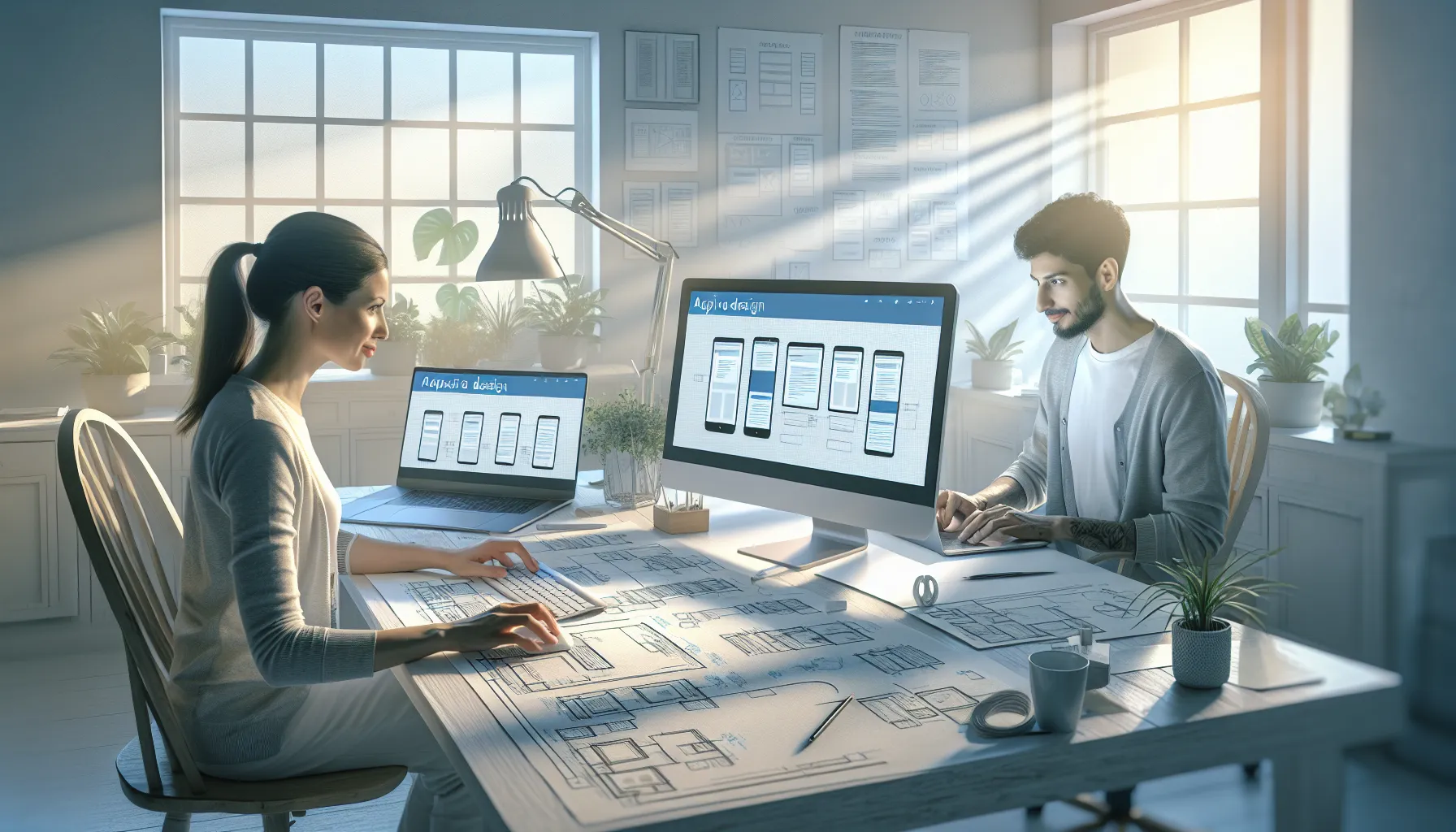
In today's digital world, a strong online presence begins with great web development design. Whether you're building a blog, launching an app, or revamping a business site, the fusion of aesthetics and functionality is critical. This article dives deep into what web development design is, why it matters, and how you can master it—from theory to implementation. With actionable strategies, case studies, and tips, you’ll gain the tools and insight needed to build effective, user-focused websites.
What Is Web Development Design?
Web development design is the process of crafting websites that balance form and function. It brings together a site’s layout, color palette, navigation, UX principles, and code implementation. Unlike traditional graphic design, this discipline accounts for interactivity, responsiveness, and performance optimization across devices.
Design vs. Development
While design refers to a site’s visual elements and UX, development focuses on coding and functionality. Both must work in harmony for a seamless digital experience. A great design attracts users; solid development retains them.
Front-End and Back-End Roles
Front-end development handles what users see—HTML, CSS, JavaScript elements, and interactive components. Back-end development powers behind-the-scenes logic, databases, and servers. A designer may work closely with both to ensure the final product meets expectations.
Benefits of Web Development Design
Investing in high-quality web development design offers numerous advantages that go beyond aesthetics. Here’s why it’s a core business asset:
- Better User Experience: Clean layouts and intuitive navigation keep visitors engaged.
- SEO Optimization: Well-structured code and mobile-friendly design improve search rankings.
- Boosted Conversion Rates: Strategic CTAs and fast-loading pages reduce bounce rates.
- Brand Credibility: A polished, consistent look strengthens trust and professionalism.
- Accessibility Compliance: Inclusive design broadens reach and usability for all users.
Mobile-First Approach
With over 60% of web traffic coming from smartphones, mobile-first design is essential. Prioritize responsive layouts, touch-friendly UI components, and streamlined content to optimize experiences across screen sizes.
Consistent Branding
Fonts, colors, and graphic elements should reflect your brand’s tone and personality across all pages. Consistency builds familiarity and user trust—key for digital marketing success.
How to Create a Winning Web Development Design
Designing a website that looks great and performs well isn’t guesswork—it’s a process. Follow these steps to achieve functional and visually impactful designs:
- Research Your Audience: Understand user behavior and expectations to guide your design choices.
- Plan Site Architecture: Use sitemaps to define structure and ensure intuitive navigation.
- Create Wireframes: Outline visual elements and content placement before high-fidelity design begins.
- Develop with Accessibility in Mind: Use semantic HTML and high-contrast colors to support inclusivity.
- Test Rigorously: Run usability tests and iterate based on user feedback and metrics.
Every project brings unique challenges, but following this roadmap avoids pitfalls and shortens design cycles.
"Users form an opinion about a website in just 0.05 seconds." — Google UX Research
Common Mistakes with Web Development Design
Even experienced designers fall into traps that diminish a site’s performance and appeal. Avoid these common errors to maintain quality:
Neglecting Mobile Responsiveness
Designs that look great on desktop but break or clutter on mobile screens alienate a significant chunk of users. Always test across devices.
Overloading with Features
Too many animations, pop-ups, and options can overwhelm users. Clean interfaces with focused goals lead to better engagement.
Ignoring Load Speed
Heavy images, bloated code, and unoptimized scripts reduce website speed—affecting SEO and user retention alike. Prioritize performance during development.
Real-World Applications of Web Development Design
Let’s look at some practical examples across industries that rely heavily on thoughtful web development design:
eCommerce Stores: Brands like Warby Parker use minimalist, image-heavy interfaces with clear product CTAs and fast checkouts to drive conversions.
Educational Platforms: Sites like Khan Academy implement intuitive UX and progressive onboarding to simplify complex learning materials for various audience segments.
Nonprofits: The World Wildlife Fund combines emotive imagery with guided donation flows to inspire action and user trust through its website.
FAQs About Web Development Design
What’s the difference between UI and UX in web development design?
UI refers to visual elements like buttons and fonts, while UX focuses on overall user satisfaction and journey across the site.
How important is responsive design?
Critical. Responsive design ensures your site works seamlessly across all devices, improving usability and SEO rankings.
Do I need to know coding to design websites?
Not necessarily. Tools like Webflow or Wix allow visual design, though knowledge of HTML/CSS helps craft custom features.
How often should I update my website design?
Ideally every 2–3 years or when your brand/message evolves. Regular audits help maintain relevance and performance.
Ready to elevate your online presence? Start applying these web development design strategies today. Subscribe for more expert insights or explore our toolkit to begin your next design project with confidence.