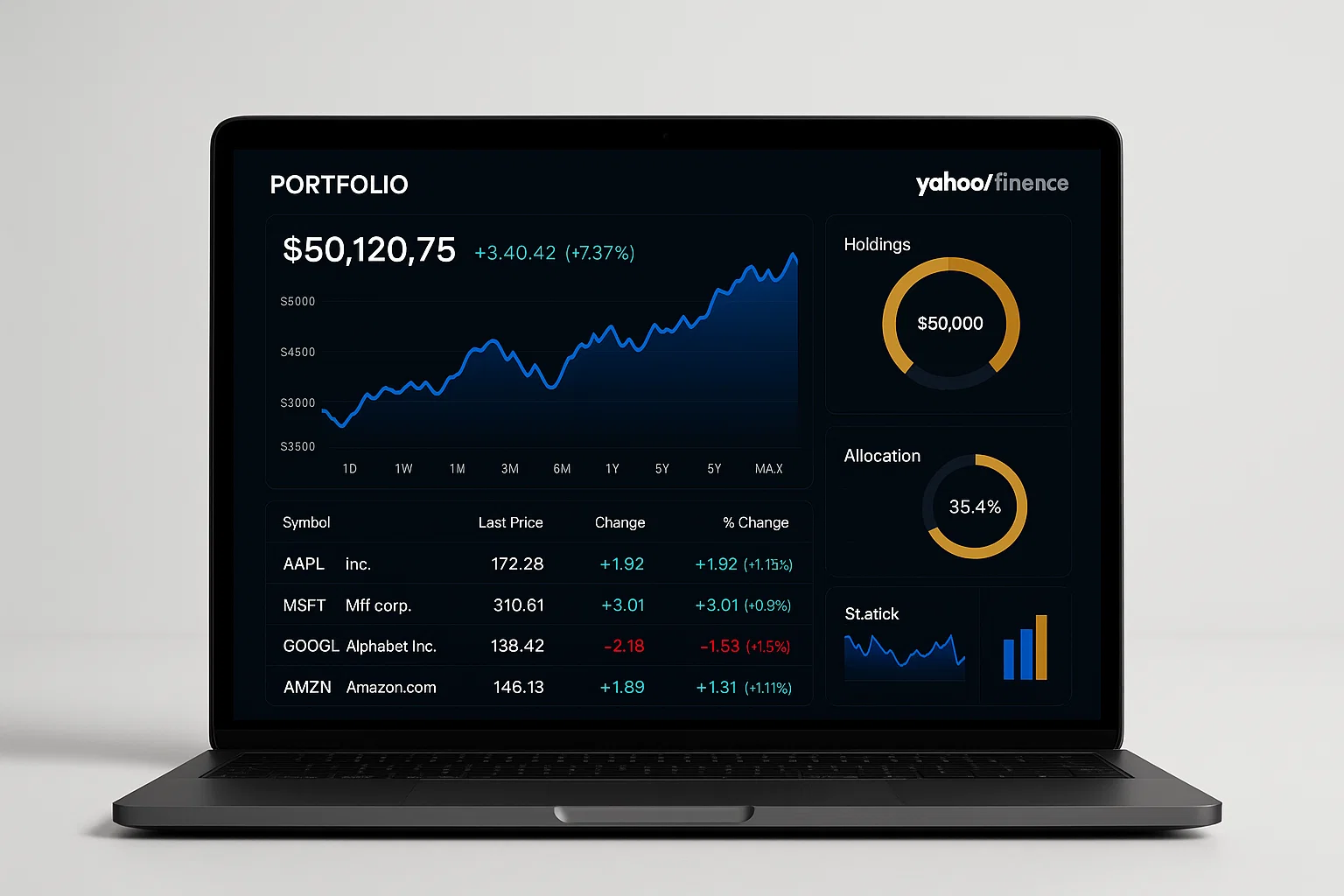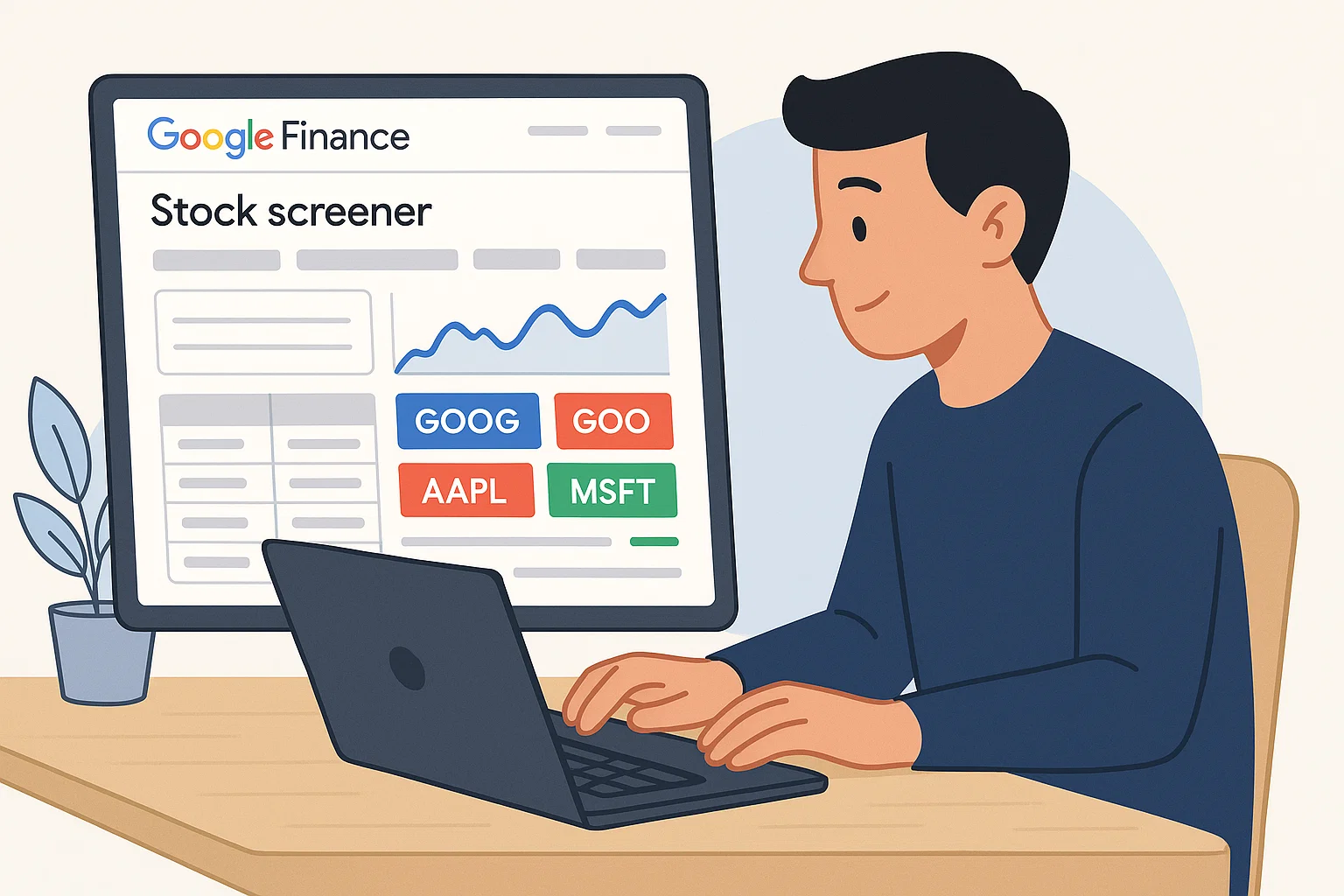
Google Finance Stock Screener for beginners is a free online tool that lets you filter, sort, and analyze stocks based on market cap, P/E ratio, sector, and more. It’s perfect for first-time investors who want to make smarter decisions without needing complex software.
Introduction
If you’re new to investing, Google Finance Stock Screener for beginners is one of the simplest tools to explore the stock market. It helps you quickly compare companies, spot trends, and decide where to invest — even if you’ve never traded before.
This article will walk you through what the stock screener is, how to use it, and which features make it great for beginner investors. You’ll also learn practical strategies, example filters, and some handy tips from my own experience using it as a starting point before moving to more advanced tools like TradingView and Yahoo Finance.
Whether your goal is long-term growth or short-term gains, by the end, you’ll know exactly how to make the most of Google Finance’s built-in screening tools.
Understanding Google Finance Stock Screener
Before you start filtering stocks, let’s understand what makes the Google Finance Stock Screener unique and why it’s perfect for beginners.
What Is a Stock Screener?
A stock screener is an online tool that allows you to filter and sort stocks based on metrics like price, volume, sector, and performance. Instead of browsing hundreds of tickers, you can narrow them down with just a few clicks.
“A stock screener simplifies the process of identifying potential investments by focusing only on metrics that match your goals.” (Moz)
Why Use Google Finance’s Screener?
Google Finance offers a free, browser-based stock screener built right into its search ecosystem. You don’t need an account or software — just type a query like “best tech stocks” or “finance stock screener” into Google, and it instantly displays relevant data.
Key benefits include:
- Real-time market data from reliable sources
- Easy-to-use interface with customizable filters
- Integration with Google Search for quick company lookups
- Free and accessible to anyone with a Google account
Core Filters and Metrics
When you open the stock screener, you’ll find several useful filters:
- Market capitalization: Find large-cap stable companies or high-growth small caps.
- P/E ratio: Identify undervalued or overvalued stocks.
- Dividend yield: Spot income-generating investments.
- Sector: Focus on industries like tech, healthcare, or energy.
Each filter helps you fine-tune results, even without advanced finance knowledge.
Why It Matters for Beginners
As a new investor, having access to structured data can prevent emotional decisions. Using a screener like Google’s gives you a rational foundation to pick stocks instead of following hype or trends.
In my experience, starting with simple tools like Google Finance built my confidence to later explore paid platforms.
How To Use Google Finance Stock Screener: A Step-by-Step Guide
Ready to dive in? Here’s how you can start using it effectively.
1. Access Google Finance
Go to Google Finance. The homepage shows key indices, trending tickers, and quick summaries of global markets.
2. Navigate to the Stock Screener
On the left panel, click “Explore” and then select “Stocks.” You’ll now see a sortable list of publicly traded companies.
3. Apply Basic Filters
Click on “Add filter” and choose metrics such as:
- Market Cap
- P/E Ratio
- Dividend Yield
- Sector
Use simple values — for instance, companies with a market cap over $1B and a P/E ratio below 30.
4. Sort and Compare
You can sort by any column. Try ranking by 1Y return or volume to see trends.
5. Save or Share Lists
Although Google doesn’t offer full portfolio saving, you can bookmark filtered results or add individual stocks to your Watchlist for ongoing tracking.
6. Analyze Charts
Click any ticker to view detailed charts, financials, and news. Combine this with Google Search trends to see how public interest correlates with price movements.
Bonus: Automate Screening with Python
You can even extract Google Finance data automatically using Python for custom analysis.
# Example: Simple stock data fetch using yfinance
import yfinance as yf

# Define a ticker symbol (example: Apple)
ticker = yf.Ticker("AAPL")

# Fetch basic info
data = ticker.info
print(f"Company: {data['longName']}")
print(f"Market Cap: {data['marketCap']}")
print(f"P/E Ratio: {data['trailingPE']}")
Explanation:
This script uses the yfinance library to pull public data similar to what you’d see in Google Finance. It’s perfect for small personal projects or learning how APIs work.
Best Practices and Recommended Tools
Stock Screening Best Practices
- Keep filters simple: Too many filters can eliminate good opportunities.
- Review fundamentals: Always check company balance sheets before deciding.
- Watch news & sentiment: Market trends often shift quickly with headlines.
- Diversify: Use the screener to balance across sectors.
Recommended Tools for Beginners
1. Google Finance
Pros: Free, simple, integrated with Google Search.
Cons: Limited advanced metrics, no portfolio backtesting.
Start tip: Just type “stocks” in Google Search to launch it.
2. Yahoo Finance Screener
Pros: More data fields and export options.
Cons: Interface can feel crowded for beginners.
Start tip: Use the “Filters” tab to explore pre-built screeners.
3. Finviz
Pros: Excellent visualization, tons of preset filters.
Cons: Ads and some data behind paywall.
Start tip: Use Finviz’s “Top Gainers” view to learn how trends develop.
“Comparing screeners helps you find the right balance between simplicity and insight.” (SEMrush)
Challenges and Compliance Considerations
While the Google Finance Stock Screener is beginner-friendly, it has a few limitations.
Common Challenges
- Data delay: Prices may be slightly delayed, depending on the exchange.
- No export option: You can’t directly download screening results.
- Limited filters: Missing advanced indicators like EPS growth or PEG ratio.
Legal and Ethical Notes
When using finance data, always follow platform Terms of Service and avoid scraping large datasets without permission.
Compliance checklist:
- ✅ Respect Google’s API usage policies
- ✅ Avoid using scraped data for commercial tools
- ✅ Review privacy and data-sharing settings on your Google account
If you’re building automated systems or sharing insights publicly, consult a financial professional to ensure your methods comply with regulations like GDPR or CCPA.
Conclusion and CTA
Starting your investment journey doesn’t need to be overwhelming. The Google Finance Stock Screener for beginners is the perfect gateway to learn how markets work and start making data-driven choices.
With easy filters, real-time data, and integration into Google’s ecosystem, it’s a must-use for anyone learning to invest.
Welcome to Alamcer, a tech-focused platform created to share practical knowledge, free resources, and bot templates. Our goal is to make technology simple, accessible, and useful for everyone. Explore more guides, automation tips, and custom development services for bots and websites today — and turn your curiosity into capability.
FAQs
What is Google Finance Stock Screener for beginners?
It’s a free online tool that lets beginners filter and compare stocks based on factors like price, sector, and valuation — ideal for learning basic investing.
Is Google Finance Stock Screener free to use?
Yes, it’s completely free. You don’t even need a Google account unless you want to save your watchlist.
How do I access Google Finance Stock Screener?
Visit Google Finance, click “Explore,” and select “Stocks.” You can then start applying filters.
Can I export data from Google Finance?
No direct export option exists, but you can copy table data or use APIs like yfinance for personal research.
Is Google Finance better than Yahoo Finance?
For beginners, yes. Google Finance is simpler and more intuitive, though Yahoo offers more data for advanced users.
Can I screen international stocks?
Yes, Google Finance supports multiple exchanges, but some smaller markets may have limited data.
Does Google Finance show real-time prices?
Most prices update in near-real time, though some exchanges have minor delays.
How do I create a watchlist on Google Finance?
Click the star icon beside a stock name to add it to your personalized watchlist.
Can I use Google Finance for ETFs or mutual funds?
Yes, the screener includes ETFs and other assets, making it a versatile tool for all investors.
Is it safe to rely on Google Finance for investment decisions?
It’s safe for learning and research, but always double-check data with official company reports before investing.