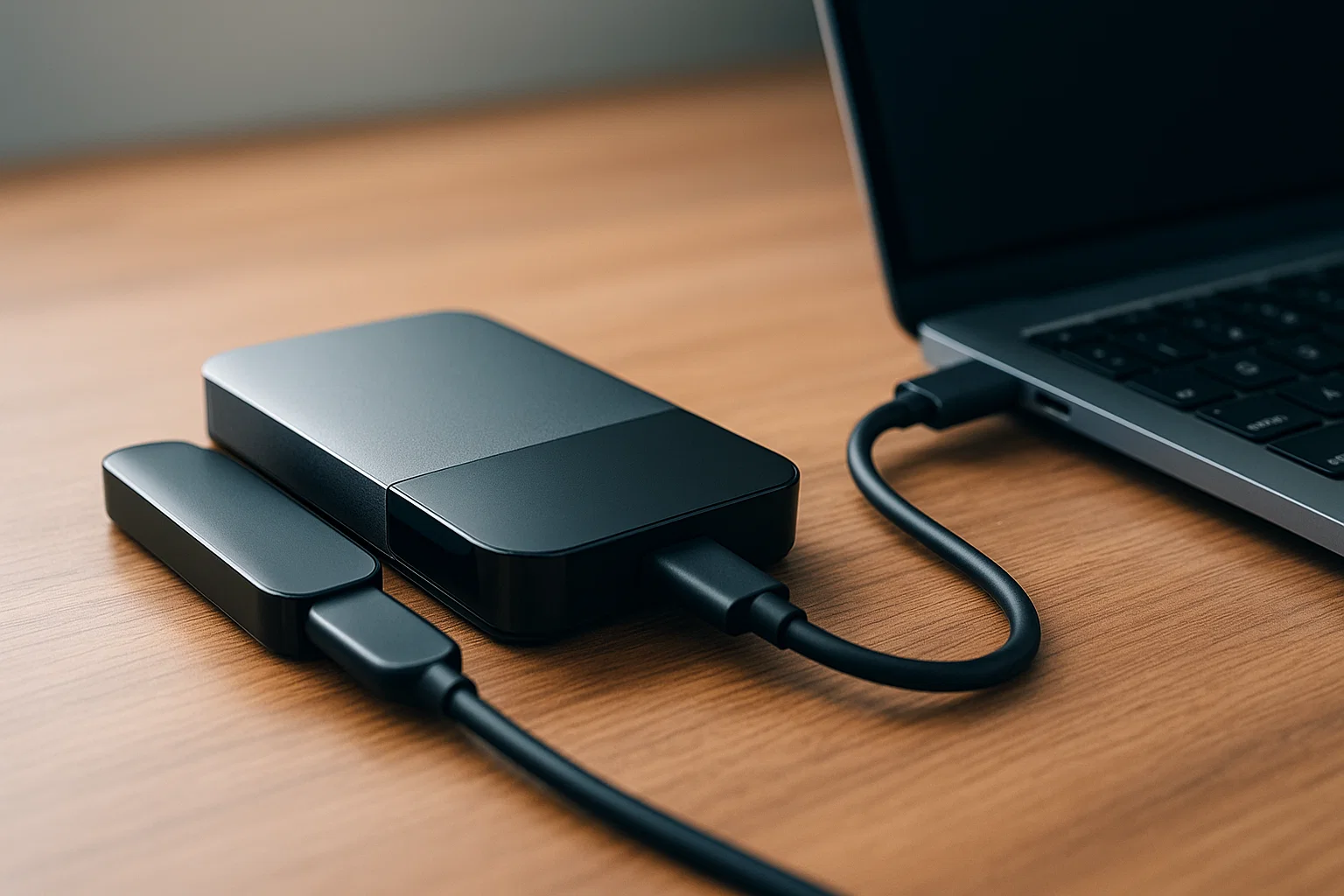
A crypto wallet stores and manages access to your cryptocurrency private keys, letting you send, receive, and secure funds. This guide shows the types of crypto wallets, practical setup steps, tools, and best practices so you can pick and protect a wallet that fits your needs.
Introduction
A crypto wallet is the gateway to owning and using cryptocurrency, and this article is informational with practical steps so you can confidently choose and secure one. You’ll learn why wallets matter, common wallet types like hardware and software, and how private keys and seed phrases control access. I’ll walk you through setup, give code examples for developers, recommend reliable tools, and share compliance and troubleshooting tips. Expect clear, practical advice that helps you act, whether you want a simple mobile wallet or hardened cold storage.
What a crypto wallet is and why it matters
A crypto wallet is not a piggy bank; it’s a tool that stores cryptographic keys and signs transactions. Wallets let you prove ownership and move assets on blockchains. Understanding wallets means understanding these core elements:
Keys and addresses
- Private key: the secret that signs transactions. If someone gets this, they control your funds.
- Public address: derived from the private key, used to receive funds.
Wallet types overview
- Hot wallets: connected to the internet, convenient for daily use but more exposed.
- Cold wallets: offline devices or paper seeds, far safer for long-term storage.
- Custodial vs noncustodial: custodial means a third party holds keys; noncustodial means you hold keys.
Why this matters: if you lose a private key, you lose access to funds permanently. If you expose it, someone can steal everything. That’s why choosing the right wallet and handling the seed phrase carefully is essential.
“A wallet’s security is mainly the security of the private key and seed handling.” (Google)
Short background on wallets
Wallets evolved from simple key stores to feature-rich apps: multi-asset support, hardware devices, multisig wallets, and smart contract integrations. Wallet innovation emphasizes user safety while balancing usability.
How to set up and use a crypto wallet — step-by-step
Below is a practical how-to that covers both a basic noncustodial mobile setup and a developer example for generating addresses.
For a noncustodial mobile wallet (beginner steps)
- Choose the right wallet: decide hot vs cold. For daily use, pick a reputable mobile wallet; for savings, use hardware cold storage.
- Download from official sources: install the app from the official site or verified store. Verify signatures if offered.
- Create a new wallet: follow the app’s flow, choose a strong passcode.
- Write the seed phrase: copy the 12–24 word seed to physical paper (never cloud). Store in two safe places.
- Enable security features: PIN, biometric unlock, and optional passphrase.
- Send a small test amount: always send a tiny transaction to test receiving and sending.
- Backups: keep an encrypted backup of the seed in safe offline storage if needed.
Developer example — generate an address (Node.js)
// Node.js example using ethers.js to create a wallet and print address
// npm install ethers
const { ethers } = require('ethers');

try {
  // create random wallet
  const wallet = ethers.Wallet.createRandom();
  console.log('Address:', wallet.address);
  console.log('Mnemonic (seed phrase):', wallet.mnemonic.phrase);
  // Never log or share seed phrase in production
} catch (err) {
  console.error('Wallet creation failed:', err.message);
}
Explanation: This creates a noncustodial wallet and prints the address and mnemonic. Keep the mnemonic offline and secure.
Developer example — check balance (Python)
# Python example using web3.py to get ETH balance (simple)
# pip install web3
from web3 import Web3

w3 = Web3(Web3.HTTPProvider('https://mainnet.infura.io/v3/YOUR_INFURA_ID'))
address = '0xYourAddressHere'
try:
    balance_wei = w3.eth.get_balance(address)
    print('Balance (ETH):', w3.fromWei(balance_wei, 'ether'))
except Exception as e:
    print('Error fetching balance:', str(e))
Explanation: Replace the provider and address. This queries the blockchain for balance; handle credentials securely.
Best practices, tools, and quick recommendations
Best practices (quick list)
- Use hardware wallets for large holdings.
- Never share your seed phrase or private key.
- Use multisig for shared custody and business wallets.
- Regularly update wallet software.
- Use separate wallets for spending and long-term storage.
Recommended tools (three with pros/cons and install tips)
Ledger (hardware wallet)
Pros: strong offline security, wide coin support.
Cons: cost, physical device risk.
Install/start tip: download Ledger Live from the official site and follow device firmware update steps.
MetaMask (software browser/mobile wallet)
Pros: excellent dApp integration, easy developer tooling.
Cons: hot wallet risk, phishing targets.
Install/start tip: add official extension and secure seed phrase offline.
Trezor (hardware wallet)
Pros: open-source firmware, multi-currency support.
Cons: cost, setup learning curve.
Install/start tip: use Trezor Suite from the official domain and verify device authenticity.
“Backing up the seed phrase and using hardware wallets are the most recommended practices for long-term custody.” (Moz)
Challenges, compliance, and troubleshooting
Common challenges
- Seed loss: no recovery unless backed up.
- Phishing: malicious sites and fake wallet UIs.
- Device failures: hardware may fail; seed backup is vital.
Legal and ethical considerations
- Know local laws about tax reporting and KYC when using custodial exchanges.
- Custodial wallets often require identity verification; noncustodial wallets do not, but you’re responsible for compliance.
Compliance checklist
- Use official wallet releases.
- Enable two-factor authentication for accounts interacting with exchanges.
- Keep transaction records for tax reporting.
- For business use, implement multisig and clear KYC processes.
- Consult a legal professional for complex compliance questions.
Troubleshooting tips
- If a transaction is pending, check mempool status and consider a replace-by-fee if supported.
- If you suspect compromise, move funds to a new wallet generated on a secure device, after transferring small test amounts.
- If a hardware wallet is unresponsive, use official recovery tools and your seed on a verified device only.
Accessibility and UX tips
Make wallet use accessible: readable fonts, clear error messages, and support for screen readers. When building wallet interfaces, ensure clear affordances for backup and recovery steps.
Conclusion and CTA
A crypto wallet is your key to using and holding cryptocurrency. Choose based on your needs: hot wallets for convenience, hardware cold wallets for security. Follow the best practices above, test with small amounts, and back up seeds properly. Bold takeaway: control of private keys equals control of funds, backups equal safety, and official sources equal trust.
Welcome to Alamcer, a tech-focused platform created to share practical knowledge, free resources, and bot templates. Our goal is to make technology simple, accessible, and useful for everyone. We provide free knowledge articles and guides in technology, offer ready-to-use bot templates for automation and productivity, and deliver insights to help developers, freelancers, and businesses. For custom development of bots or websites, reach out to Alamcer.
Compliance & disclaimer
This article is informational and not legal or financial advice. Privacy and security practices vary by jurisdiction. Consider privacy policies, terms of service, and data protection laws such as GDPR or CCPA where relevant. Consult a professional for legal or tax questions.
FAQs
What is crypto wallet?
A crypto wallet stores the cryptographic keys (private and public) that let you access and sign transactions on a blockchain. It can be hardware, software, custodial, or noncustodial, and is essential for sending and receiving cryptocurrency securely.
How do I pick the best crypto wallet?
Consider usage: mobile/desktop for daily use, hardware for long-term storage. Check reputation, security features, backup options, and supported assets. Test with small amounts before moving larger funds.
Is a hardware wallet necessary?
Not always, but for significant holdings a hardware wallet drastically reduces theft risk because it keeps private keys offline.
How should I back up my seed phrase?
Write it on paper and store copies in secure physical locations, consider metal backups for durability, never store the seed in cloud services or photos.
Can I recover a lost crypto wallet?
Only if you have the seed phrase or a backed-up private key. Without those, funds are irretrievable.
Are custodial wallets safe?
Custodial wallets offer convenience and recovery options but require trust in the custodian. You trade control of keys for convenience; follow KYC and security guidelines.
How do I avoid phishing and scams?
Verify website URLs, use official app stores or vendor sites, never paste your seed phrase into web forms, and consider a hardware wallet for high-value transactions.
What are the tax implications of using a crypto wallet?
Tax rules vary by country. Generally, transactions, gains, and income tied to crypto may be taxable. Keep accurate records and consult a tax professional.
How do multisig wallets work?
Multisig requires multiple signatures from different private keys to authorize transactions, improving security for shared or business accounts.
Can a crypto wallet be hacked?
Yes, especially hot wallets if the device or software is compromised. Use hardware wallets for high-value holdings and follow strict security practices.
External resources
- Official wallet best practices (Google guidelines)
- Wallet security and backups (Moz)
- Developer wallet docs and API guides (SEMrush-style reference for tooling)
Key takeaways (bolded)
- Control your private key, protect your seed.
- Use hardware wallets for large holdings.
- Test with small amounts before major transfers.