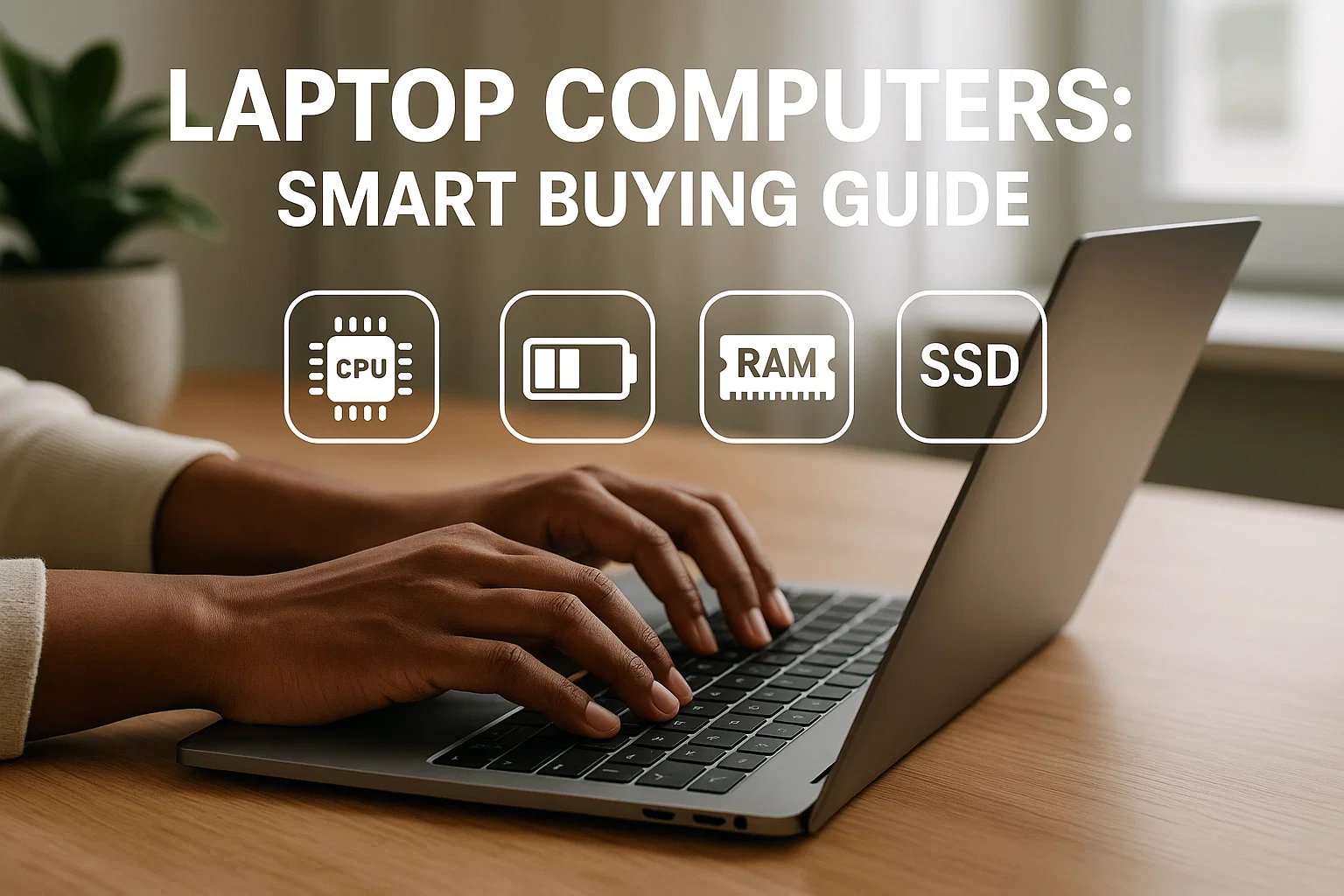
Laptop computers let you pick the right balance of power, battery, and portability for work, gaming, or study, so you spend less time worrying about specs and more time getting things done. Read this practical guide to compare options and shop smarter.
Introduction
Laptop computers are the go-to choice for people who need computing on the move, whether you are a developer, content creator, student, or remote worker. This post is informational and practical — I’ll help you understand what matters, how to compare models, and which choices give the best value. Early on we’ll touch on performance, battery life, and build quality, and I’ll show examples, tools, and quick code snippets to help you analyze specs. In my experience, focusing on three core areas, CPU, battery, and thermals, saves the most buyer’s remorse. You’ll leave with a checklist, recommended tools, and clear next steps to pick a laptop that actually fits your workflow.
What are laptop computers and why they matter
Laptop computers are portable personal computers that combine processing, memory, storage, display, and battery into a single chassis. Unlike desktops, they prioritize mobility, power efficiency, and thermal management. For many people the choice of laptop affects daily productivity, commute comfort, and long-term costs.
Key components explained
CPU (processor), the engine of the machine, determines raw speed for tasks like compiling, video editing, and gaming.
RAM, affects multitasking and responsiveness. More RAM means smoother switching between apps.
Storage (SSD vs HDD), SSDs drastically improve boot and app load times.
Battery capacity and efficiency, measured in Wh and runtime estimates, determine unplugged work time.
Thermals and build, metal bodies often dissipate heat better, which matters under sustained loads.
Display, resolution, color accuracy, and refresh rate affect creators and gamers differently.
Why this matters for you
Choosing the wrong laptop can mean slow workflows, frequent charging, or overheating. For example, a creator paying for a thin ultraportable with low thermal headroom may face throttling during editing. Conversely, a student who prioritizes battery and lightness will prefer ultrabooks over heavier workstations. Knowing how components trade off helps you match a laptop to real needs, not marketing promises.
Many official guides recommend balancing performance with battery and thermals for reliable daily use, not just peak benchmarks. (Google)
Buying advice from leading industry resources stresses real-world testing over synthetic scores for everyday buyer decisions. (Moz)
How to choose and compare laptop computers — step-by-step
Below is a practical, numbered workflow to pick the right laptop, with a simple code example to estimate battery runtime based on capacity and average power draw.
- Identify your primary use. List main tasks, such as web browsing, coding, video editing, or gaming. This determines CPU class, GPU needs, RAM, and storage size.
- Set a budget range. Group options into budget, midrange, and premium. Be realistic about tradeoffs.
- Prioritize the top three specs. For example, if you travel a lot, battery life, weight, and screen matter more than raw CPU. For gaming, GPU, cooling, and refresh rate are key.
- Filter models by form factor. Ultrabook, gaming laptop, workstation, convertible. Each has different thermal design and battery profiles.
- Check real-world battery and thermal tests. Look for independent reviews and benchmarks that measure sustained performance.
- Compare warranties and service. International warranties, repair costs, and upgradeability matter over the device lifetime.
- Make the purchase and test quickly. Use return windows to verify performance and battery under your workload.
Quick battery runtime estimator (Python)
# python
# Estimate laptop runtime in hours given battery capacity (Wh) and average power draw (W).
def estimate_runtime(wh, average_watts):
    try:
        runtime_hours = wh / average_watts
        return round(runtime_hours, 2)
    except Exception as e:
        print("Error:", e)
        return None

# Example: 56 Wh battery, 12 W average draw
print(estimate_runtime(56, 12))  # returns about 4.67 hours
This simple estimator helps you sanity-check manufacturer claims. Average power draw depends on screen brightness, CPU usage, and peripherals.
Example shopping flow
- If you code and run local containers, target a midrange CPU, 16 GB RAM, SSD, and a 14 to 15-inch display.
- If you edit video, prioritize multicore CPU, dedicated GPU, 32 GB RAM if budget allows, and high-capacity SSD.
- If you travel light, choose an ultrabook with low weight, long battery, and USB-C charging.
Best practices, tools, and tradeoffs
Here are recommended approaches and three tools to help you evaluate models.
Best practices
- Read multiple independent reviews that include thermal and battery tests.
- Prefer upgradeable RAM and storage if you want a longer device lifespan.
- Measure what matters: sustained performance under load, not only short burst scores.
- Aim for balanced specs, not headline numbers.
Tool recommendations
1) Notebookcheck
Pros: detailed thermal and battery tests, model database.
Cons: dense reviews can be technical.
Install/start tip: Use the site’s model search to compare measured battery runtimes.
2) UserBenchmark or Geekbench
Pros: quick comparative scores across CPUs and GPUs.
Cons: synthetic scores can be gamed, not always real-world.
Install/start tip: Run a quick benchmark on a demo machine to see relative scores.
3) Manufacturer support pages
Pros: official specs, warranty details, driver downloads.
Cons: often optimistic battery estimates.
Install/start tip: Confirm service center locations and parts availability in your region.
Pros and cons of common laptop categories
Ultrabooks: lightweight, long battery, less thermal headroom.
Gaming laptops: high performance, heavy, shorter battery.
Workstations: powerful CPUs, ECC options sometimes, expensive.
Convertible 2-in-1: flexible, touch capabilities, may compromise port selection.
Challenges, compliance, and troubleshooting
Common challenges
- Overheating under sustained load, leading to throttling.
- Battery health degradation after many cycles.
- Driver issues after OS updates.
Troubleshooting tips
- Keep vents clear, use a cooling pad if needed.
- Update firmware and drivers from the manufacturer site.
- Calibrate battery occasionally and avoid full discharge frequently.
Compliance checklist
- Verify warranty terms and coverage.
- Check local electronic waste disposal rules when replacing or recycling laptops.
- Ensure any preinstalled software privacy terms meet your needs.
Alternatives: Consider a compact desktop or mini PC if portability is not essential, or a tablet with keyboard for very light workflows.
Accessibility and readability checklist
- Choose laptops with adjustable display brightness and readable keyboard backlight.
- Ensure the OS supports screen readers or accessibility features you need.
- Prefer matte displays if you work outdoors to reduce glare.
Conclusion and CTA
Choosing laptop computers is about matching real daily needs to technical choices, not chasing specs. Start by listing your three most important priorities, compare measured battery and thermal tests, and use the tools above for side-by-side comparisons. Key takeaways: prioritize sustained performance, check real-world battery tests, and verify upgrade paths before buying.
Welcome to Alamcer, a tech-focused platform created to share practical knowledge, free resources, and bot templates. Our goal is to make technology simple, accessible, and useful for everyone. We provide free knowledge articles and guides in technology, offer ready-to-use bot templates for automation and productivity, and deliver insights to help developers, freelancers, and businesses. Need a custom bot or website? Contact Alamcer for development services.
Legal, privacy, and compliance note
This guide is informational and not legal or financial advice. Check privacy policies, warranty terms, and local regulations before purchasing. For health, tax, or legal matters, consult a qualified professional.
FAQs
What is laptop computers?
Laptop computers are portable personal computers that combine processor, memory, storage, display, and battery in one device, designed for mobility and everyday computing needs.
How long should a laptop battery last?
Battery life depends on capacity, workload, and efficiency. Real-world runtimes typically range from 4 to 12 hours. Use measured tests under your workload to get an accurate estimate.
Which CPU should I choose for coding?
For coding and running local builds, a modern multicore CPU with strong single-thread performance works best. Aim for midrange to high-end chips if you run containers or heavy compiles.
Is more RAM always better?
More RAM helps multitasking and heavy workloads. For general use, 8 to 16 GB is fine, but developers and creators should consider 16 to 32 GB.
Should I buy a gaming laptop for content creation?
Gaming laptops offer GPUs that help with rendering and encoding, but check thermal performance and color accuracy for editing work. Workstations may be better for professional use.
Can I upgrade my laptop later?
Some laptops allow RAM and storage upgrades, others are soldered. Check the service manual or manufacturer specs before buying.
How do I check laptop thermals and throttling?
Look for independent reviews that run sustained workloads. Use monitoring tools to check CPU/GPU temperatures and performance over time.
What accessories should I buy with a laptop?
Consider a protective case, external SSD for backups, USB-C hub for ports, and a reliable charger or power bank. For heavy loads, a cooling pad helps.
How to maintain laptop battery health?
Avoid keeping the battery at extreme charge levels for long periods, keep firmware updated, and avoid exposing the laptop to very hot environments.
Are refurbished laptops a good option?
Refurbished models can offer great value, but verify warranty, return policies, and battery condition before buying.
Final key takeaways
- Match specs to real tasks, not marketing jargon.
- Verify real-world battery and thermal performance.
- Prioritize upgradeability for long-term value.