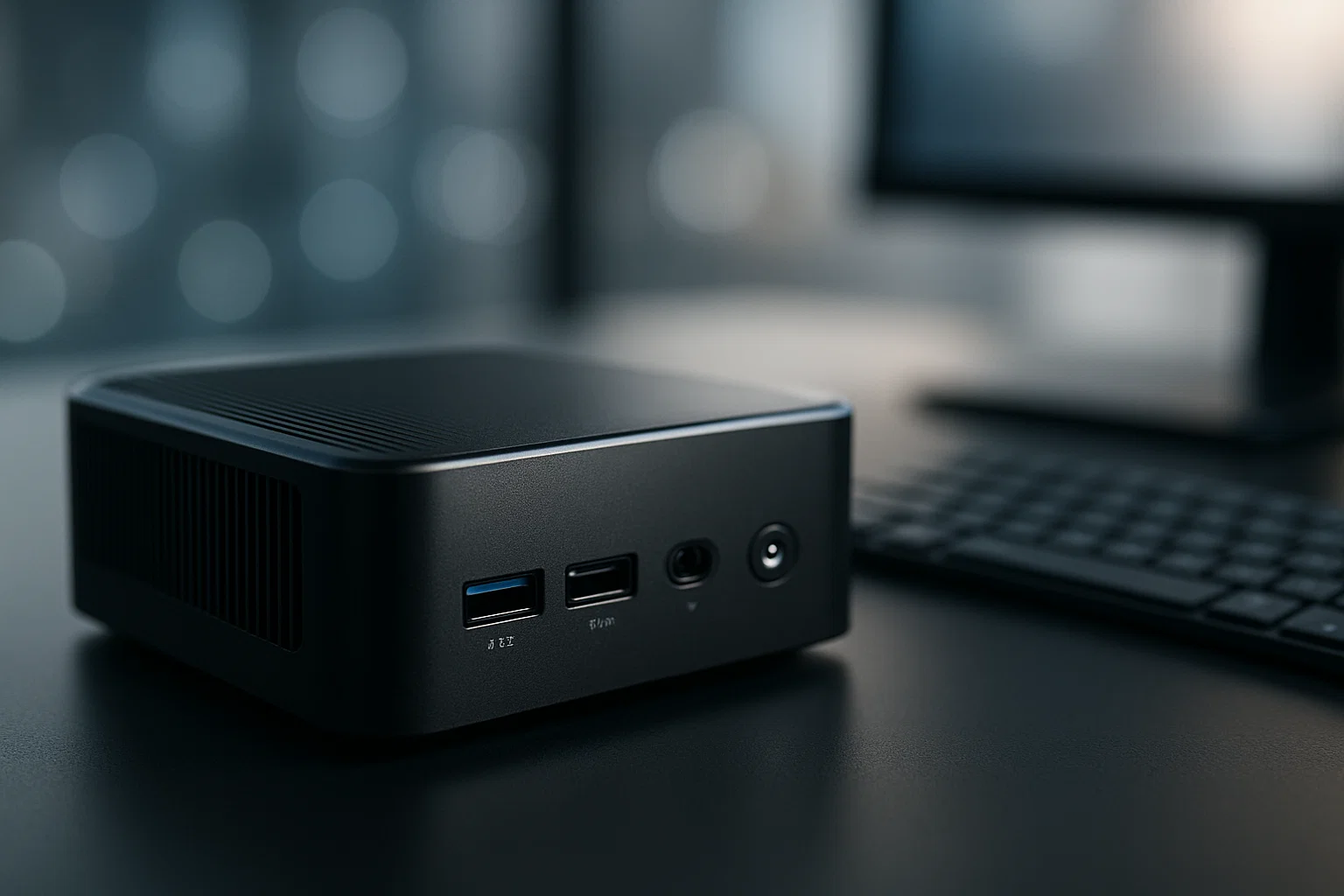
Raspberry pi is a tiny, affordable computer you can use to build DIY electronics, IoT devices, and home servers. This guide gives clear, practical steps, ready-to-copy code, recommended tools, troubleshooting tips, and compliance notes so you can start a project today.
Introduction
raspberry pi is one of the most accessible ways to learn computing and build small electronics, and this article is informational and practical — I’ll show you how to plan, build, and troubleshoot real projects. You’ll get background on the platform, step-by-step how-tos (with copy-paste code), a list of recommended tools, and legal and ethical checkpoints. Related technologies you’ll meet here include GPIO electronics and IoT frameworks, and you’ll leave with a project you can actually run. In my experience, starting small and iterating is the fastest route to real results.
What is raspberry pi and why it matters
raspberry pi is a low-cost, credit-card sized single-board computer designed for learning, prototyping, and small-scale production. It runs a Linux-based OS, supports Python, Node.js, and many other languages, and exposes GPIO pins for hardware control.
A brief background
The platform brought desktop-class computing to hobbyists and educators at a tiny cost. Because of its versatility, you can use raspberry pi for:
- Learning programming and Linux,
- Building IoT sensors and connected devices,
- Creating media centers and home servers,
- Prototyping robotics, automation, and edge computing tasks.
Why it matters
Small, energy-efficient, and extensible, raspberry pi lowers the cost of experimentation. For freelancers and developers it is ideal for demos and MVPs. For educators it’s an easy gateway to teaching programming and electronics.
Key benefits
- Low cost, broad community, and lots of documentation.
- Real GPIO access makes hardware projects straightforward.
- Runs standard software stacks — you’re not locked into proprietary platforms.
The platform’s documentation and community resources emphasize hands-on learning and safe hardware use. (raspberrypi.org)
Best practices recommend using supported OS images and keeping software updated for security. (official docs)
Practical step-by-step: build a simple IoT temperature logger
This section walks you through a complete, practical build: a temperature logger that sends data to a local server.
What you need
- Raspberry Pi (any modern model with Wi-Fi recommended)
- MicroSD card with OS image
- DHT22 or DS18B20 temperature sensor
- Jumper wires and breadboard
- Power supply and optional case
Step 1 — Prepare the OS
- Flash a Raspberry Pi OS image to the microSD card using an imaging tool.
- Enable SSH and Wi-Fi configuration if you want headless setup.
Step 2 — Wire the sensor
- Connect sensor VCC to 3.3V, GND to ground, and data pin to a GPIO pin (for DS18B20 use a pull-up resistor).
Step 3 — Python script for reading and sending data
# python
# temp_logger.py - reads DS18B20 and posts JSON to local server
import os, glob, time, requests

# minimal error handling
BASE_DIR = '/sys/bus/w1/devices/'
try:
    dev_folder = glob.glob(BASE_DIR + '28*')[0]
    device_file = dev_folder + '/w1_slave'
except IndexError:
    raise SystemExit("Sensor not found, check wiring")

def read_raw():
    with open(device_file, 'r') as f:
        return f.read().splitlines()

def read_temp_c():
    lines = read_raw()
    while lines[0].strip()[-3:] != 'YES':
        time.sleep(0.2)
        lines = read_raw()
    temp_str = lines[1].split('t=')[-1]
    return float(temp_str) / 1000.0

def send_to_server(temp):
    payload = {'temperature': temp}
    try:
        requests.post('http://192.168.1.100:5000/temps', json=payload, timeout=5)
    except requests.RequestException:
        print("Failed to send, will retry next read")

if __name__ == "__main__":
    while True:
        t = read_temp_c()
        print("Temp:", t)
        send_to_server(t)
        time.sleep(60)  # one minute
Explanation: This code reads a DS18B20 sensor and posts JSON to a local server. It includes basic error checks and retry-friendly behavior.
Step 4 — Run as a service
Create a systemd service to start the script on boot, or run it inside a Docker container if you prefer isolation.
Node.js example: simple HTTP receiver
// node
// server.js - receives temperature posts
const express = require('express');
const bodyParser = require('body-parser');

const app = express();
app.use(bodyParser.json()); // parse JSON bodies

app.post('/temps', (req, res) => {
  if (!req.body || typeof req.body.temperature !== 'number') {
    return res.status(400).send({error: 'invalid payload'});
  }
  console.log('Received temp:', req.body.temperature);
  // store in DB or file here
  res.send({status: 'ok'});
});

app.listen(5000, () => console.log('Server listening on 5000'));
Explanation: Lightweight Node.js receiver for the data. Run with node server.js.
Best practices, tools, pros and cons
Here are practical recommendations to keep projects maintainable and secure.
Recommended tools
- Raspberry Pi Imager — Pros: official, easy flashing; Cons: limited advanced options. Install/start tip: download and run the Imager on your PC, select OS, and flash.
- Balena Etcher — Pros: works across OSes, reliable; Cons: larger download. Tip: use it to flash images when Imager fails.
- Home Assistant (OS image) — Pros: excellent for home automation; Cons: heavier resource use. Tip: run on Pi 4 or dedicated Pi for best performance.
General best practices
- Use official images where possible, enable SSH only when needed, and change default passwords.
- Use 3.3V GPIO levels to avoid damage, and always power down before rewiring.
- Monitor storage and memory if running database-backed services.
Pros and cons of raspberry pi projects
- Pros: cheap prototyping, strong community, flexible.
- Cons: not suited for heavy, sustained compute; SD card wear can be an issue for heavy writes.
Challenges, compliance, and troubleshooting
Small boards bring big questions; here is how to remain safe, legal, and resilient.
Common challenges
- SD card corruption from power loss.
- Networking and firewall configuration.
- Sensor calibration and accuracy.
Troubleshooting tips
- Use a UPS or power-safe scripts to prevent SD corruption.
- Check
dmesg,journalctl, andsyslogfor hardware errors. - Swap components to isolate faults.
Compliance checklist
- Use secure default credentials, rotate keys and passwords.
- If collecting personal data, follow privacy laws and inform users.
- Use encrypted channels for sensitive data (HTTPS, SSH).
- Keep software updated and limit open ports.
Alternatives
If you need industrial reliability or heavy compute, consider an edge device with eMMC storage or a small server instead of SD-based Pi.
Disclaimer
This guide is informational, not legal advice. If you handle sensitive personal data, consult a professional for compliance, privacy, and ToS guidance.
Conclusion + CTA
Raspberry pi opens a simple, low-cost path to build electronics, IoT devices, and learning projects, with plenty of community support and real-world tooling. Start with a small sensor project, learn how GPIO and networking behave, then iterate toward automation or a home server.
Welcome to Alamcer, a tech-focused platform created to share practical knowledge, free resources, and bot templates. Our goal is to make technology simple, accessible, and useful for everyone. We provide free knowledge articles and guides, ready-to-use bot templates for automation, and insights to help developers, freelancers, and businesses. If you want custom development for bots or websites, we offer services on request — start your project with Alamcer today.
Bold takeaways
- Start small, iterate, and test wiring before powering.
- Secure defaults: change passwords and enable encryption.
- Use official tools for flashing and updates to reduce risk.
FAQs
What is raspberry pi?
Raspberry pi is a small, affordable single-board computer used for learning programming, building electronics projects, and prototyping IoT devices. It runs common Linux operating systems and provides GPIO pins for hardware interfacing.
Can a raspberry pi run as a home server?
Yes, a raspberry pi can host media, file, and lightweight web services. Use SSD or external storage for reliability, and consider Pi models with more memory for better performance.
Which sensors work with raspberry pi?
Common sensors include temperature (DS18B20), humidity (DHT22), motion (PIR), and many I2C devices. Choose sensors with 3.3V compatibility or use level shifting.
Is raspberry pi good for beginners?
Yes, it’s ideal for beginners because of abundant tutorials, a friendly community, and a low cost barrier.
How do I keep my raspberry pi secure?
Change defaults, keep software updated, avoid open ports, use SSH keys, and enable firewalls or VPNs for remote access.
Do I need soldering skills to start?
No. Many starter kits use breadboards and jumper wires. Soldering becomes useful for permanent builds.
What power supply should I use for raspberry pi?
Use the official power supply or one with stable 5V output and sufficient amperage for your model. Underpowered units cause instability.
Can raspberry pi be used for machine learning?
Yes, for small models and edge inference. For heavy training, use more powerful hardware or cloud services.
How do I back up a raspberry pi SD card?
Use disk imaging tools to create full images and store them on another machine. Regular backups reduce downtime after corruption.
Is it legal to deploy networked devices with raspberry pi?
Usually yes, but if you collect personal or location data, follow privacy regulations and terms of service for any connected platforms; consult a professional if you are unsure.
External resources (open in a new tab from your CMS)
- Google guidelines for content quality (Google guidelines)
- Raspberry Pi official documentation (official docs)
- SEO best practices (Moz)
- Competitive research tools and ideas (SEMrush)