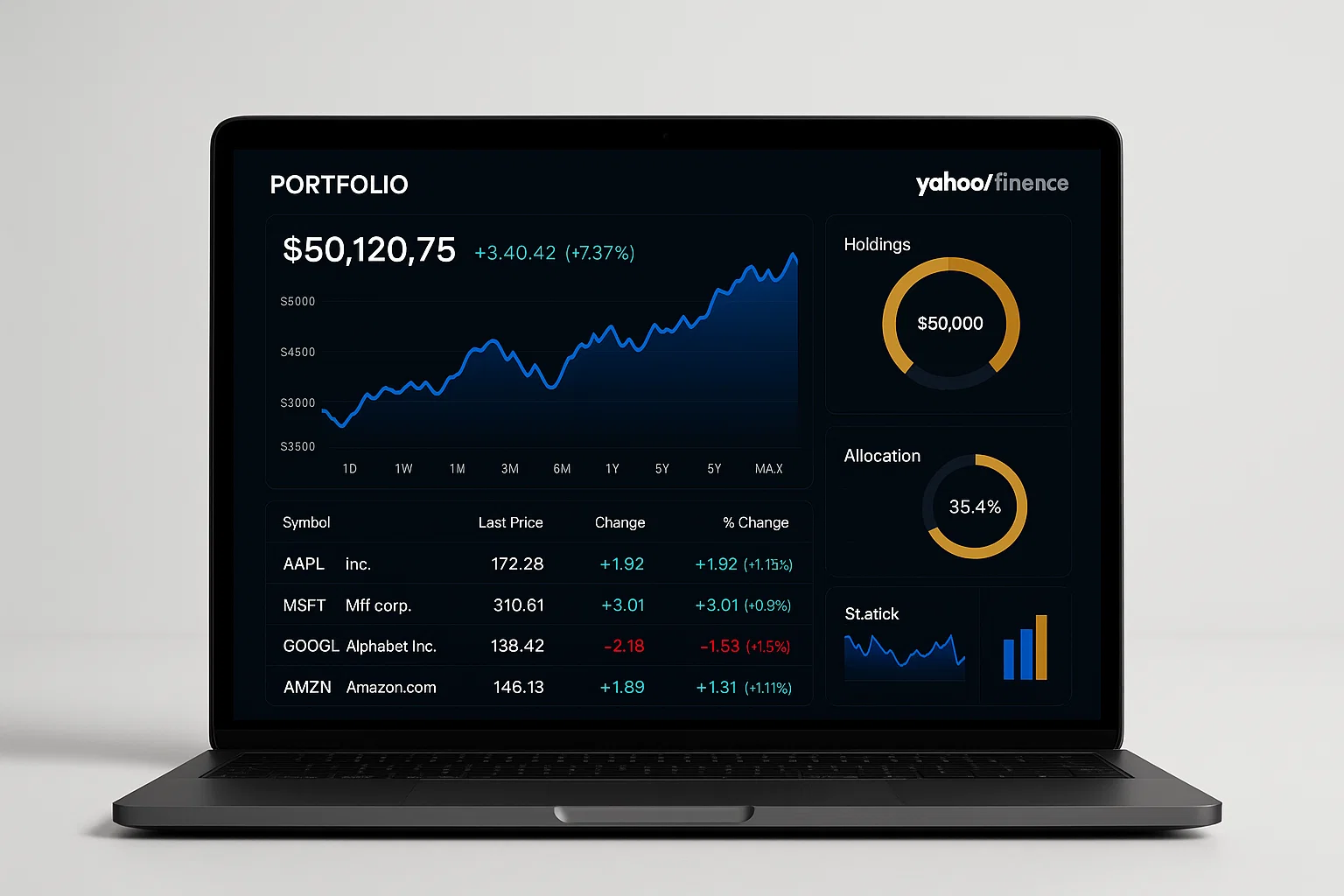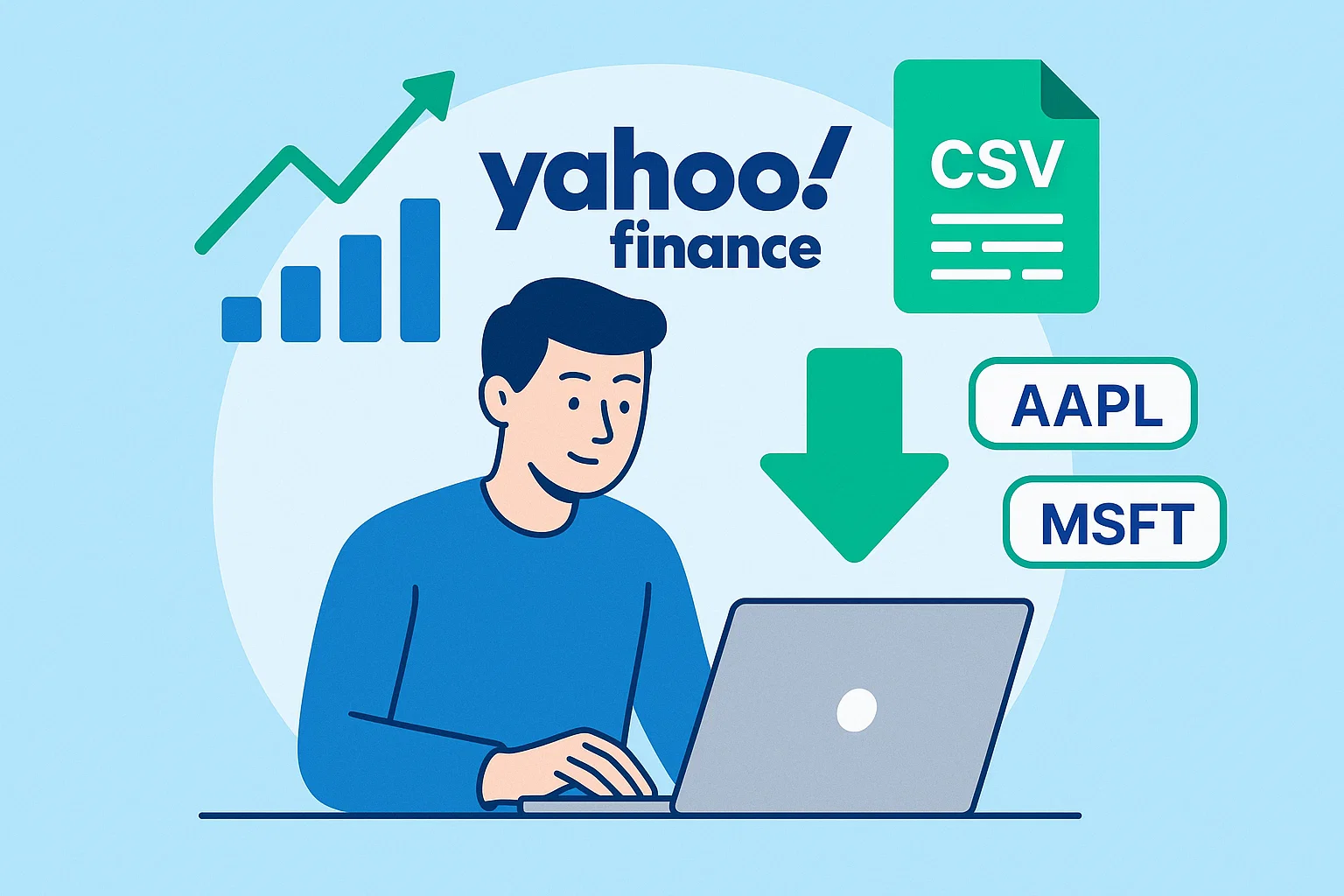
The Yahoo Finance historical data download guide explains how to quickly access, download, and analyze stock market data using Yahoo Finance’s tools and Python scripts. You’ll learn step-by-step how to get accurate CSV files, automate updates, and use the data for financial analysis or trading strategies.
Introduction
The Yahoo Finance historical data download guide is your one-stop resource for getting free, reliable stock market data in minutes. Yahoo Finance is one of the most trusted sources for investors, traders, and analysts who need accurate historical prices for research and backtesting.
Whether you’re building an investment model, tracking portfolio performance, or simply exploring price trends, Yahoo Finance offers a simple way to download data directly from your browser or via code.
In this guide, you’ll discover:
- How Yahoo Finance stores and provides historical data.
- Step-by-step instructions to download it manually or automatically.
- Best tools and libraries to make your workflow faster.
By the end, you’ll have all the tools you need to turn raw Yahoo Finance data into actionable insights.
Understanding Yahoo Finance Historical Data
Yahoo Finance has long been a go-to platform for financial data. It offers open access to historical stock prices, including open, high, low, close (OHLC) values, volume, and adjusted prices. This section breaks down what this data means and why it’s valuable.
What Is Historical Market Data?
Historical data is a record of how a financial asset’s price has changed over time. For example, Apple’s daily price data may include values like:
- Open: Price when the market opens.
- High/Low: The range during the day.
- Close: Price at the end of the trading day.
- Volume: Number of shares traded.
This data helps investors identify patterns, test strategies, and understand volatility over time.
Why Use Yahoo Finance?
Yahoo Finance stands out because:
- Free Access: You don’t need an API key or subscription.
- Comprehensive Coverage: Supports global stocks, indices, ETFs, and currencies.
- Ease of Use: Download data in just a few clicks.
- Automation Ready: Integrates easily with Python libraries like
yfinance.
“Yahoo Finance remains one of the most accessible sources for financial data for both beginners and professionals.” (source: Investopedia)
Data Frequency Options
You can choose different frequencies depending on your analysis:
- Daily
- Weekly
- Monthly
Yahoo Finance even allows custom date ranges, giving you flexibility to fetch exactly what you need.
Step-by-Step: How to Download Yahoo Finance Historical Data
Let’s go hands-on and learn how to actually download data — both manually and automatically.
Method 1: Manual Download via Browser
- Go to Yahoo Finance: Visit Yahoo Finance.
- Search for a stock: Example — type AAPL for Apple Inc.
- Click on “Historical Data” tab.
- Select your date range: Choose start and end dates.
- Set frequency: Daily, weekly, or monthly.
- Click “Apply.”
- Hit “Download” button. A CSV file will download instantly.
This CSV can be opened in Excel or imported into your analysis tools.
Method 2: Automate Downloads with Python (yfinance)
If you work with data frequently, automation saves time. The yfinance library lets you fetch the same data programmatically.
# Install yfinance if you haven't
# pip install yfinance

import yfinance as yf
import pandas as pd

# Define the ticker symbol
ticker = "AAPL"

# Fetch historical data
data = yf.download(ticker, start="2020-01-01", end="2023-01-01")

# Save to CSV
data.to_csv(f"{ticker}_data.csv")

print("Data downloaded and saved successfully!")
Explanation:
yf.download()pulls Yahoo Finance data directly.- You can change the
startandenddates. - The data is saved as a
.csvfile for easy analysis.
“APIs like yfinance make it possible to automate what used to be manual downloads, saving hours of work.” (source: Kaggle)Method 3: Node.js Script Using Axios
For JavaScript enthusiasts, here’s a Node.js example.
// Install dependencies: npm install axios fs
const axios = require('axios');
const fs = require('fs');

const symbol = 'AAPL';
const url = `https://query1.finance.yahoo.com/v7/finance/download/${symbol}?period1=1609459200&period2=1672531200&interval=1d&events=history`;

axios.get(url)
  .then(response => {
    fs.writeFileSync(`${symbol}_data.csv`, response.data);
    console.log("Data downloaded successfully!");
  })
  .catch(error => console.error("Download failed:", error));
This script downloads data directly from Yahoo’s CSV endpoint and saves it locally.
Best Practices, Tools & Resources
To make your Yahoo Finance data workflow efficient, here are some best practices and tool recommendations.
Best Practices
- Use consistent date ranges for better comparison.
- Verify data integrity — check for missing days or NaN values.
- Automate updates to keep datasets fresh.
- Backup your data regularly if you analyze frequently.
Recommended Tools
1. yfinance (Python Library)
- Pros: Free, simple syntax, reliable.
- Cons: Occasional rate limits.
- Tip:
pip install yfinanceto start instantly.
2. Pandas DataReader
- Pros: Works with multiple data sources, flexible.
- Cons: Slightly slower.
- Tip: Great for integration with pandas workflows.
3. Google Sheets + IMPORTDATA
- Pros: No coding required, live data updates.
- Cons: Limited customization.
- Tip: Use
=IMPORTDATA("URL")to fetch CSV directly.
Useful Resources
- Yahoo Finance API Documentation
- Google Finance Support Page
- SEMrush Keyword Tools
Common Issues, Compliance & Alternatives
Common Challenges
- Broken URLs: Use correct ticker symbols and date ranges.
- Missing Data: Adjust frequency or check holidays.
- Rate Limits: Use pauses or smaller batches in scripts.
Compliance Checklist
✔ Ensure you respect Yahoo Finance’s Terms of Service.
✔ Use downloaded data for personal or educational use.
✔ Avoid redistributing data commercially.
✔ Follow privacy and data protection standards (GDPR, CCPA).
Disclaimer: This content is for educational purposes only. Always consult a legal or financial professional for advice on data use compliance.
Alternatives to Yahoo Finance
- Alpha Vantage: Free API with real-time options.
- Quandl: Offers premium financial datasets.
- Google Finance: Simpler but less customizable.
Conclusion
Downloading historical stock data doesn’t have to be complex. With Yahoo Finance, you can get clean, reliable data for free — and automate the process easily with Python or Node.js.
If you’re serious about using data to make smarter financial or business decisions, consistency and automation are key.
Welcome to Alamcer, a tech-focused platform created to share practical knowledge, free resources, and bot templates. We make technology simple and accessible — helping developers, freelancers, and businesses automate smarter. Explore our free guides, tools, and custom development services today!
FAQs
What is Yahoo Finance historical data download guide?
It’s a step-by-step tutorial showing how to access, download, and automate Yahoo Finance historical stock data for analysis or backtesting.
How can I download Yahoo Finance data manually?
Go to the stock page on Yahoo Finance, click on the “Historical Data” tab, select your date range, and hit “Download.”
Is Yahoo Finance data free?
Yes, Yahoo Finance provides free access to most historical and real-time stock data, ideal for personal or educational use.
Can I use Yahoo Finance data for my app?
You can use it for personal or educational projects but not for commercial redistribution without permission.
How do I automate Yahoo Finance downloads?
Use the Python yfinance library or the Yahoo CSV endpoint with Node.js to automate daily or weekly downloads.
What file format does Yahoo Finance use?
Yahoo Finance provides data in CSV format, which can be opened in Excel, Google Sheets, or analyzed with Python.
Are there limits to how much I can download?
There are soft rate limits. To avoid issues, split downloads into smaller date ranges or use short pauses between requests.
What are the best alternatives to Yahoo Finance?
Top alternatives include Alpha Vantage, Quandl, and Google Finance, depending on your needs.
Is it legal to scrape Yahoo Finance data?
Scraping may violate Yahoo’s Terms of Service. Use official endpoints and APIs instead to stay compliant.
Why is my Yahoo Finance download not working?
Check your ticker symbol, date range, and network connection. Sometimes Yahoo temporarily blocks automated requests.